Home
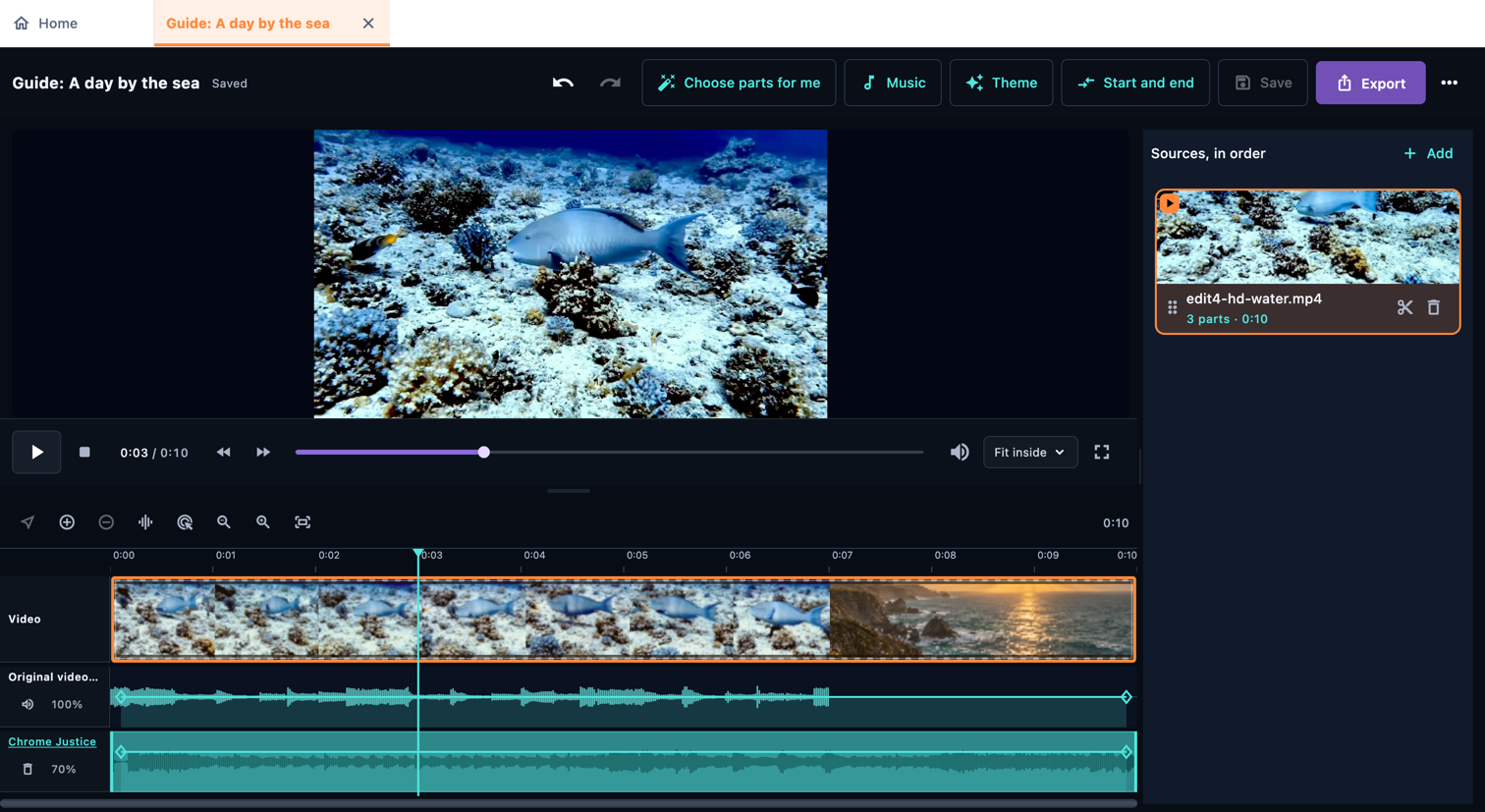
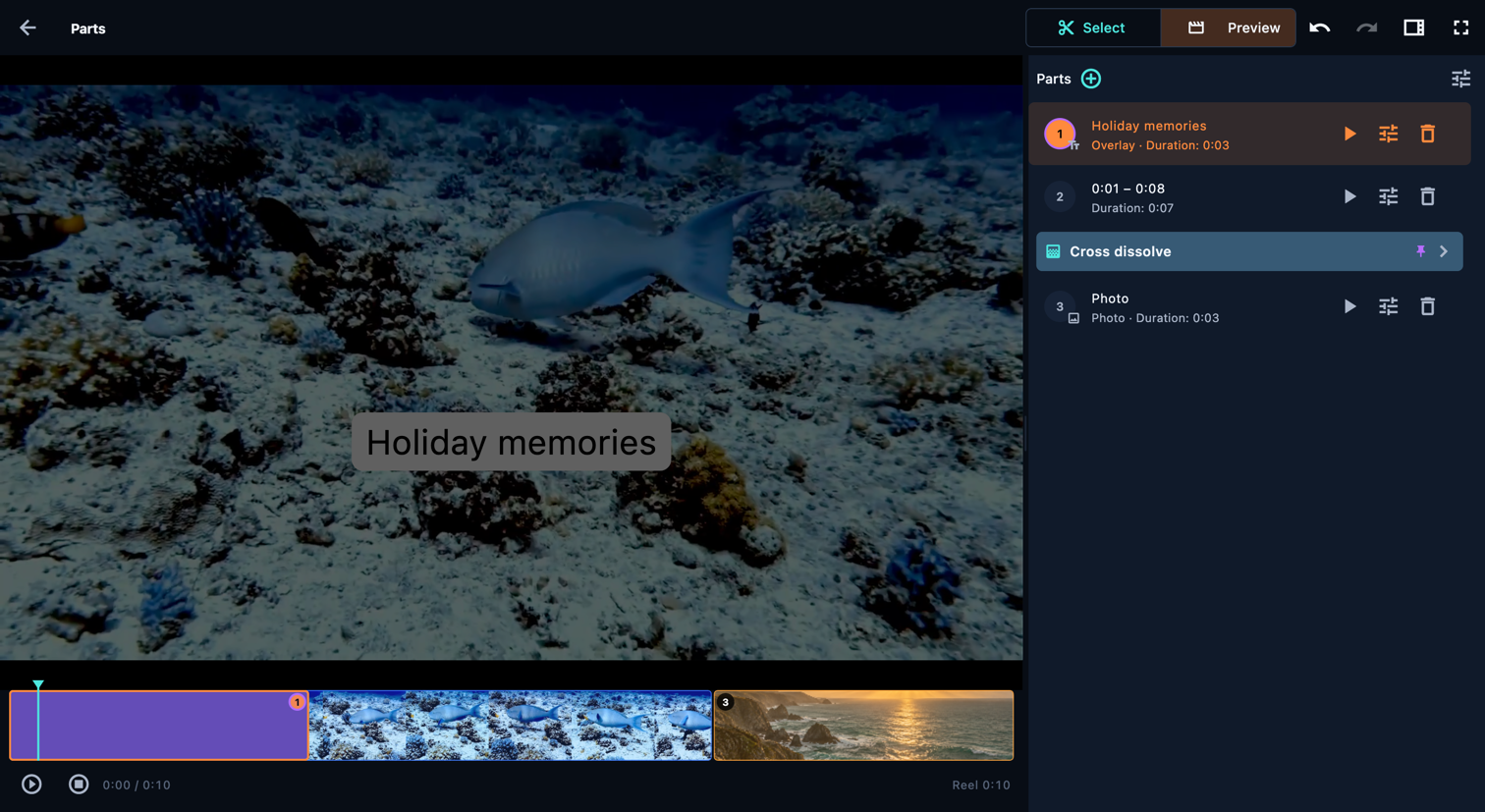
Build a reel from parts: choose moments from your videos, then arrange and edit them. Add photos, text and music to tell your story.
Open in the app: Home
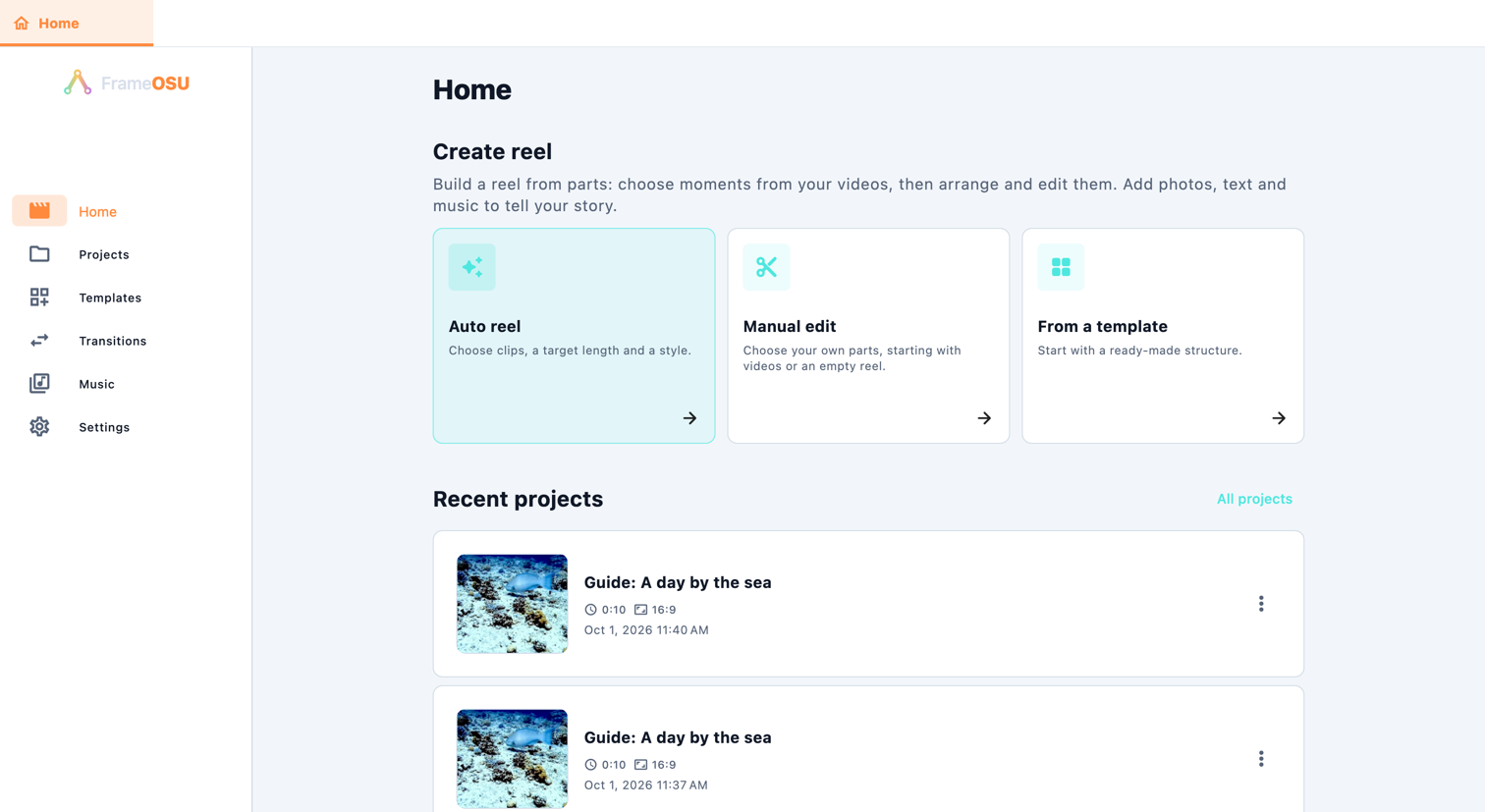
Select an explanation to highlight its control or the entry point for the route shown. The image changes when another scroll position is needed. Rings remain transparent; enlarge the image to read small details.
Controls on this screen
Manual edit
Open in the app: Manual edit
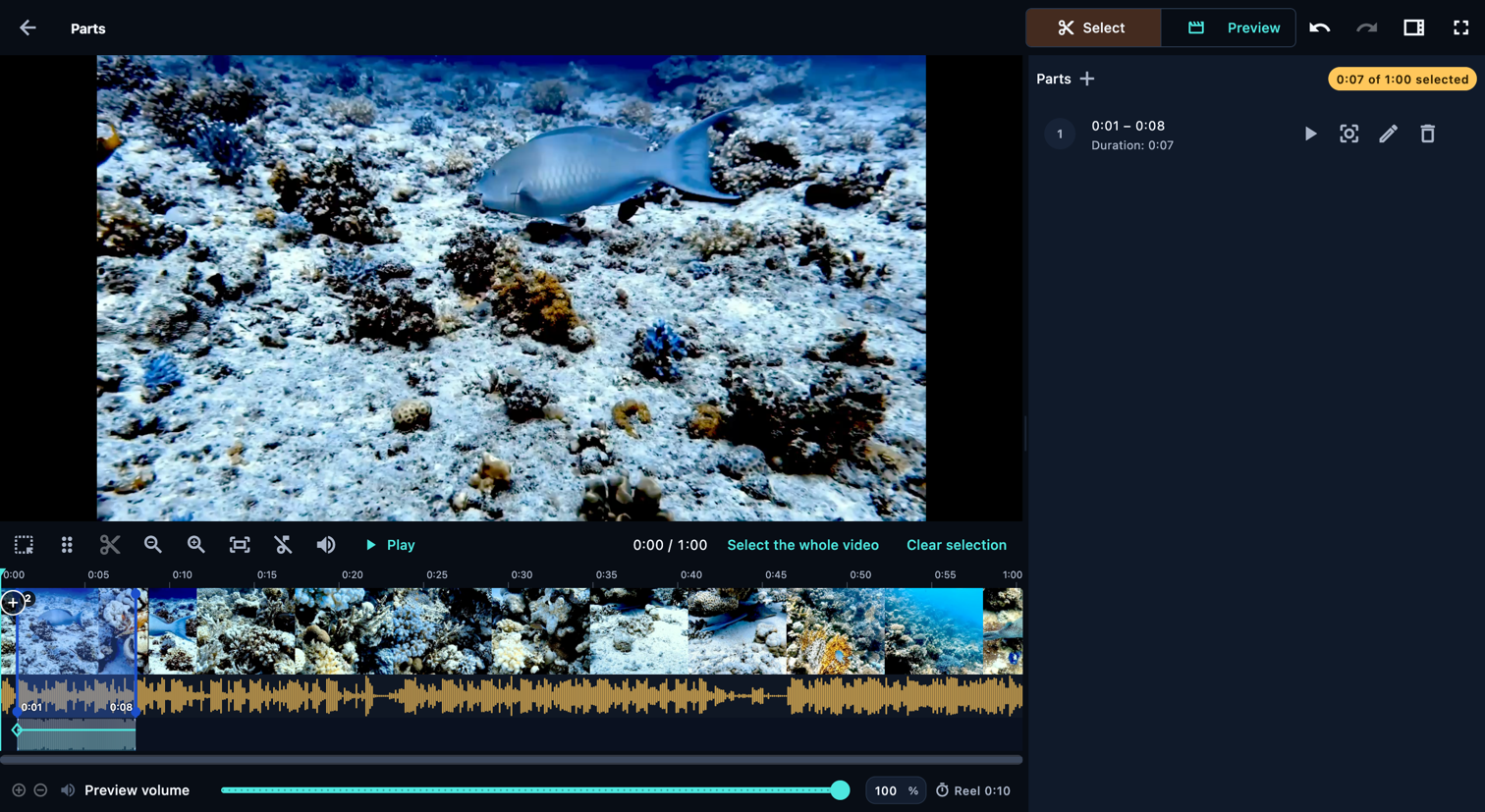
Choose your own parts, starting with videos or an empty reel.
- Choose videos first
- Start empty
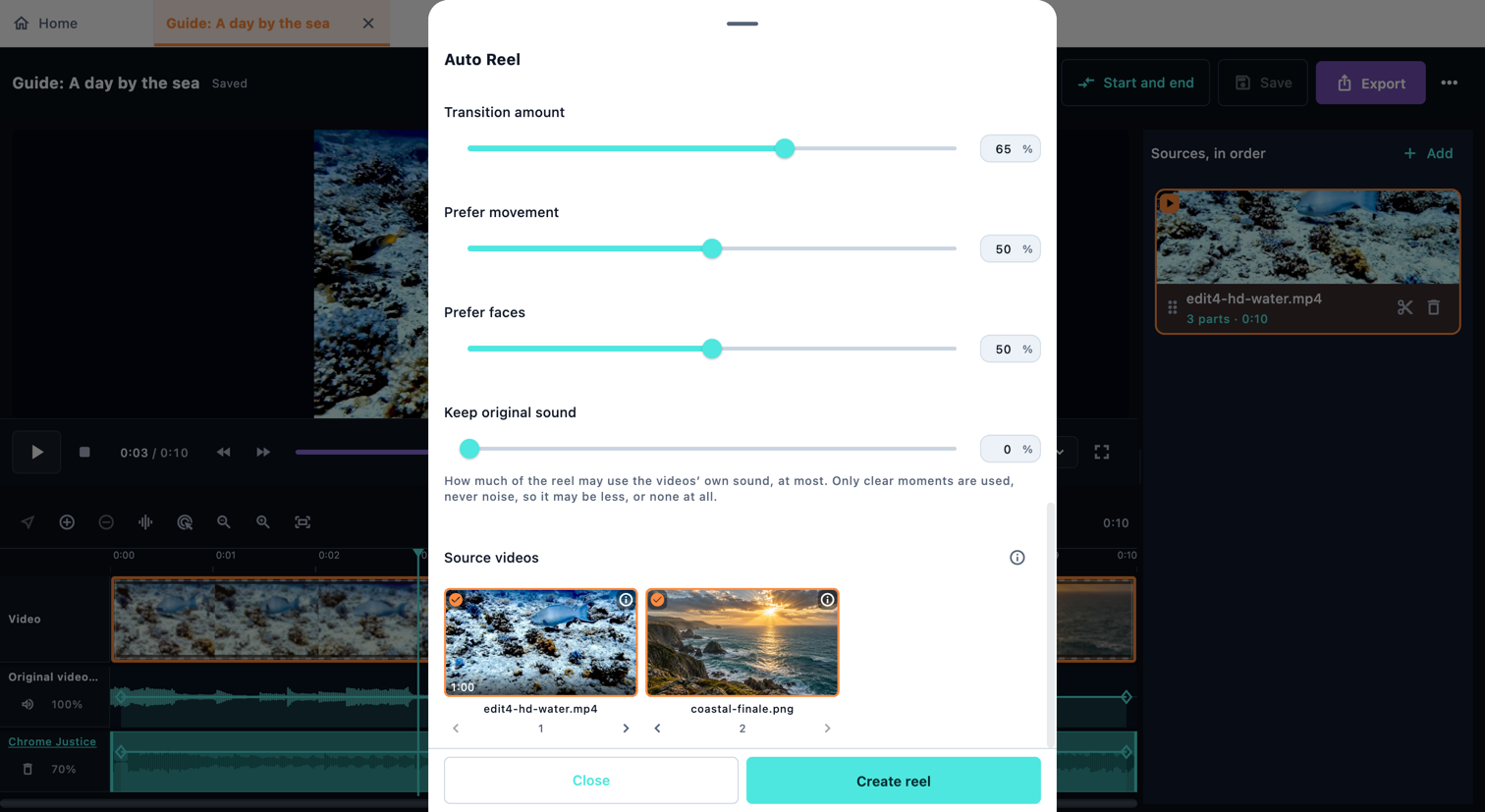
Auto reel
Open in the app: Auto reel
Choose clips, a target length and a style.
- Auto Reel
From a template
Open in the app: From a template
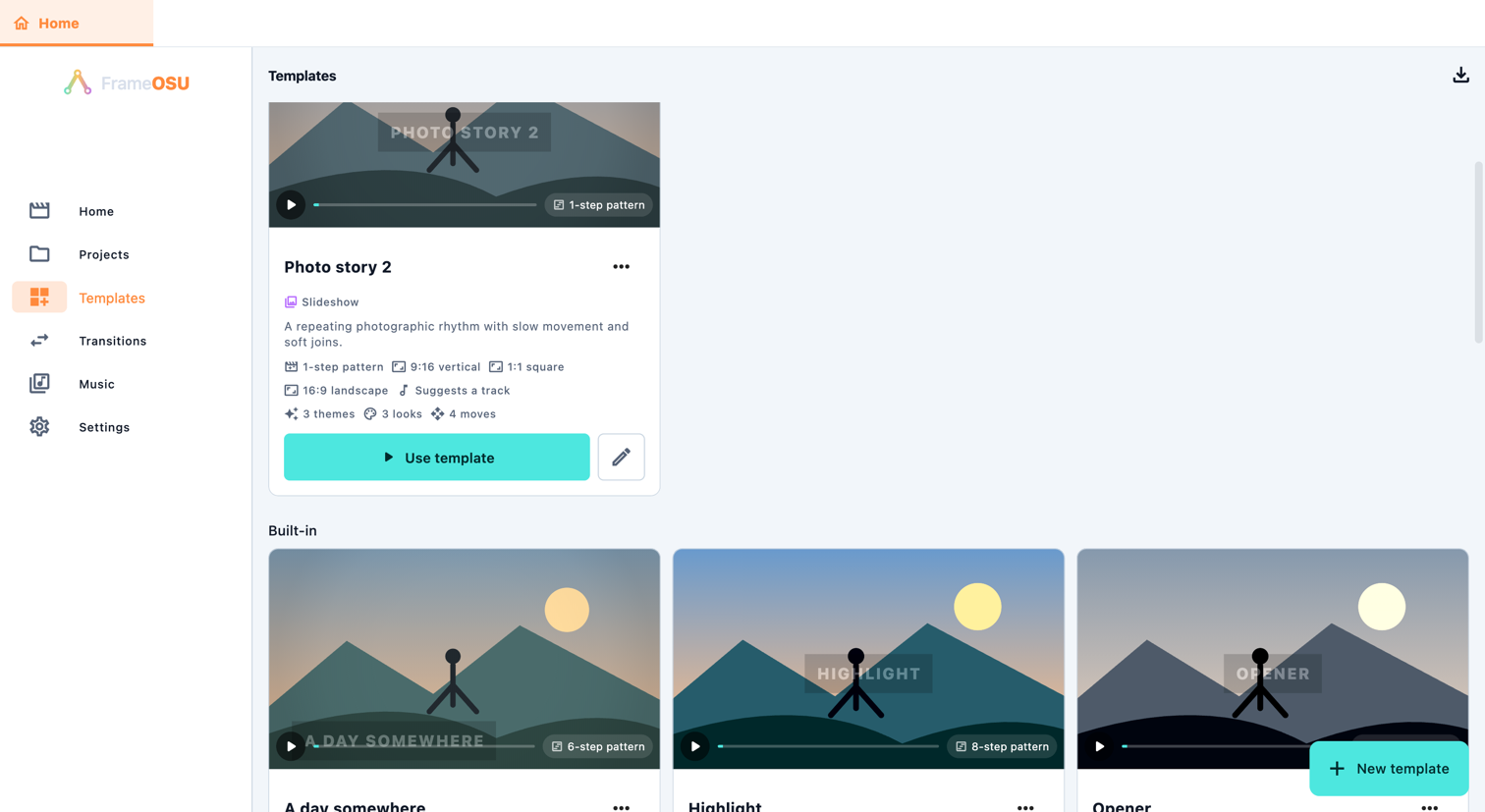
A template combines a transition theme, looks, movement, a part pattern and music choices. It still needs your media. Inspect its settings, use it, then review the resulting parts. Choose New to create a template, or duplicate one to edit your own version. Pattern steps control allowed media, relative length and movement; an automatic pattern lets the app choose.
- Templates
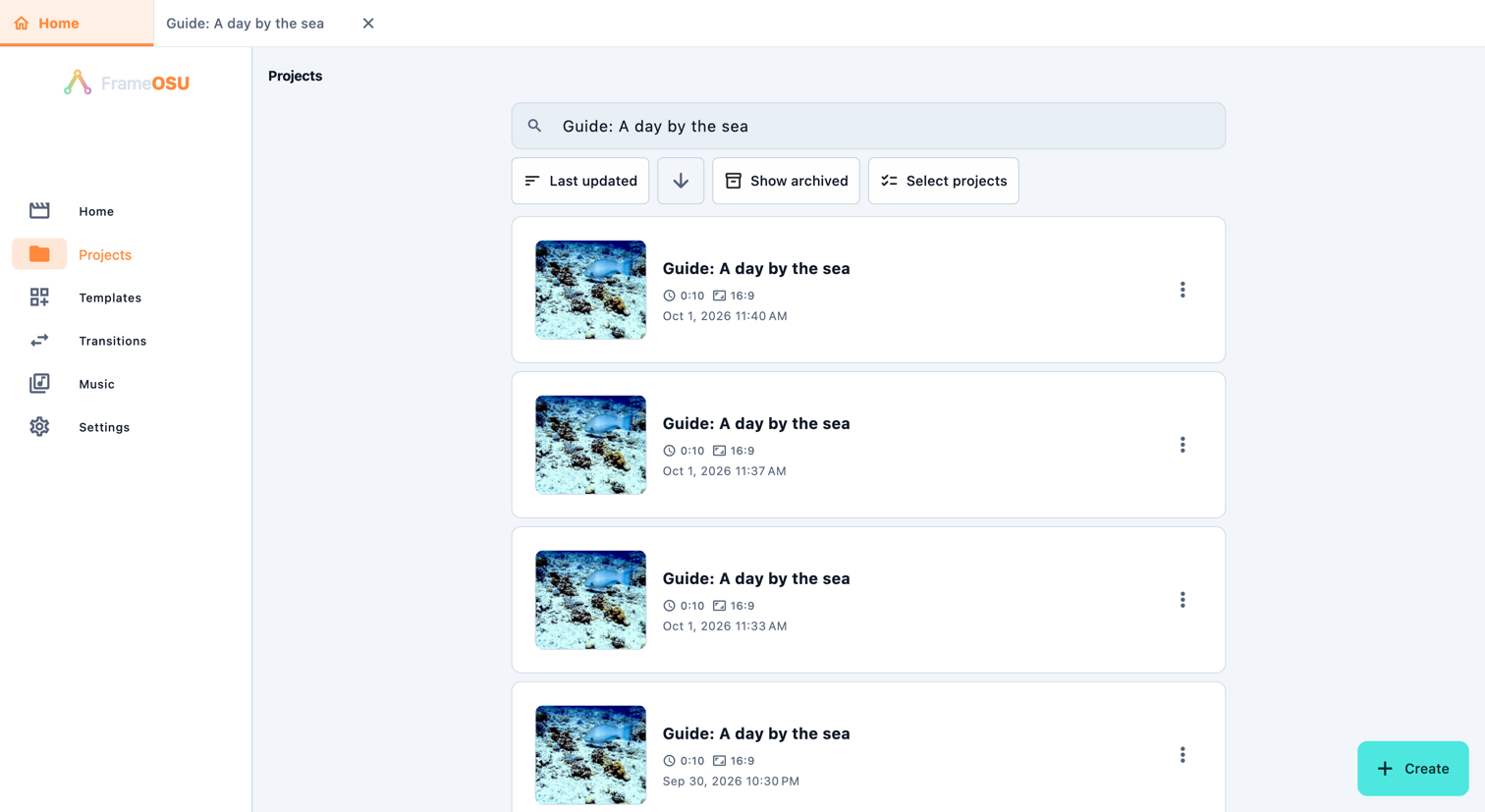
Projects
Open in the app: Projects
Open a saved project to keep editing. Rename changes its name; Duplicate creates another project. Search and sort help you find a reel. Archive hides a project from the usual list; Show archived lets you restore it. Deleting a project does not delete its original media files. Keep those files available so the project can reopen them.
- Home
- Projects
- Templates
- Transitions
- Music
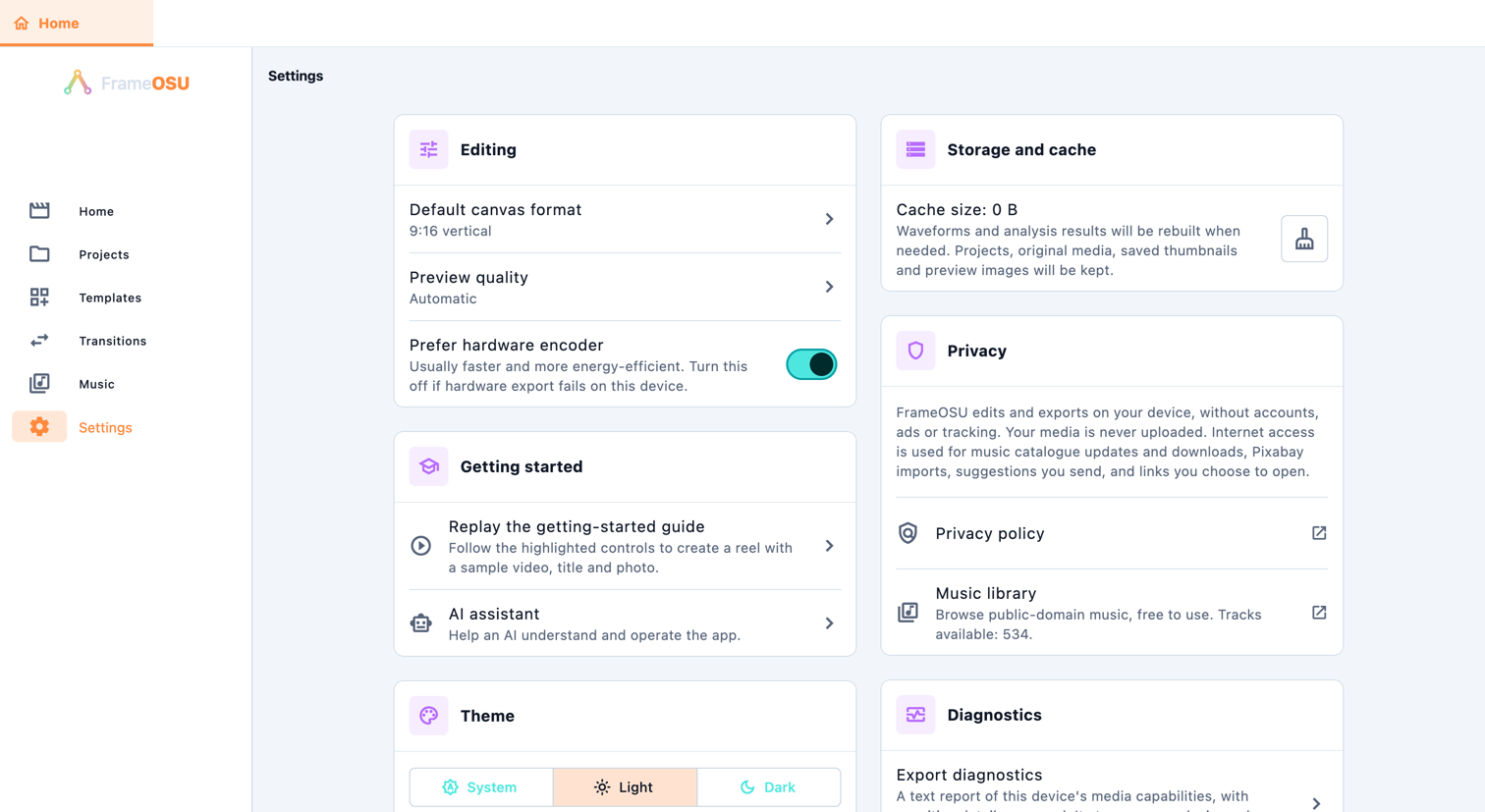
- Settings